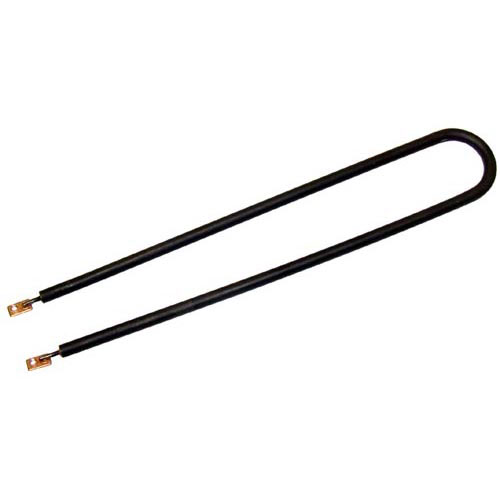
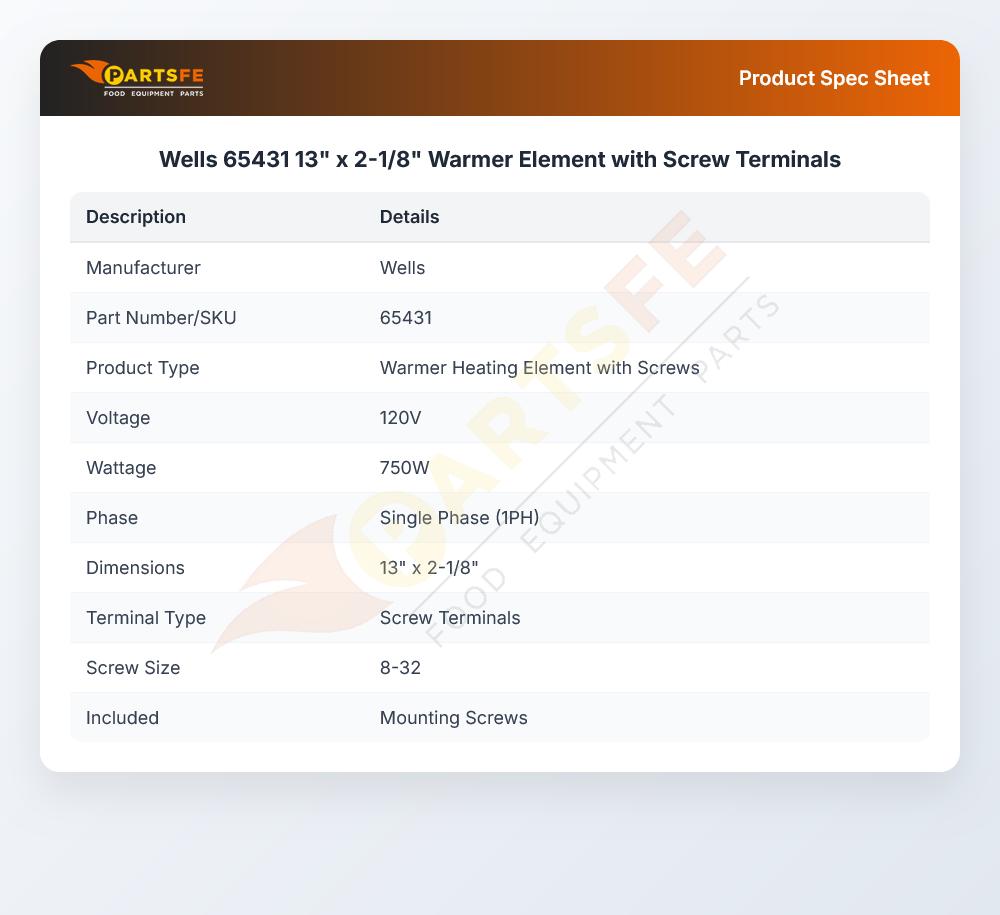


Wells 65431 Warmer Element 750W 120V
Specifications:
| Attribute | Details |
|---|---|
| Warmer Element, [ 120V 750W 1Ph ] [ 13" X 2-1/8" ] | |
| [Terminals {Screw 8-32}, | |
| Includes Screws # 26-2899, 8-32 X 1/4" Ss | |
| Well Food Warmer Hmp-6 |
Description
More Information:
- BLOOMFIELD:2N-45431UL||STAR MFG:2N-45431UL ,2N45431UL ,65431 ,WS-65431 ,WS65431||STERO:WEL2N-45431UL ,WELWS-65431 ,WELWS65431
Step1: Turn off power and check the warmer unit is completely cool and disconnected.
Step2: Remove the existing element by loosening screw terminals and mounting hardware.
Step3: Place the new element into position and align it within the heating assembly.
Step4: Secure the element tightly using the mounting screws.
Step5: Reconnect wires to the correct screw terminals and tighten firmly.
Step6: Restore power and test for proper heating and stable temperature control.
Customer Reviews
No reviews yet. Be the first to write one!
Write a Review
-
What maintenance is required for the Wells 65431 Element?
Inspect the warmer element regularly for loose screw terminals, discoloration, or mineral buildup that may affect heating performance. Keep the surrounding warmer area clean to prevent grease or debris accumulation around the element surface. Verify secure electrical connections and check for even heating during operation. Disconnect power and allow the unit to cool completely before servicing.
-
What are common issues with the Wells 65431 Element?
- Loose or burnt screw terminal connections causing intermittent heating.
- Warmer element burnout leading to no heat or weak performance.
- Uneven heating across surface affecting food warming consistency.
- Electrical short or open circuit due to wear or corrosion.