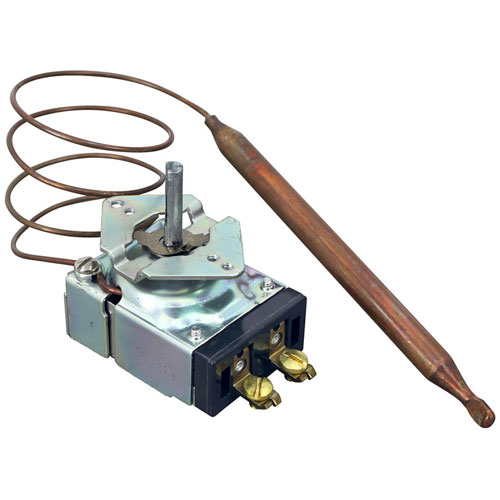


Apw AS-69120 Thermostat
Specifications:
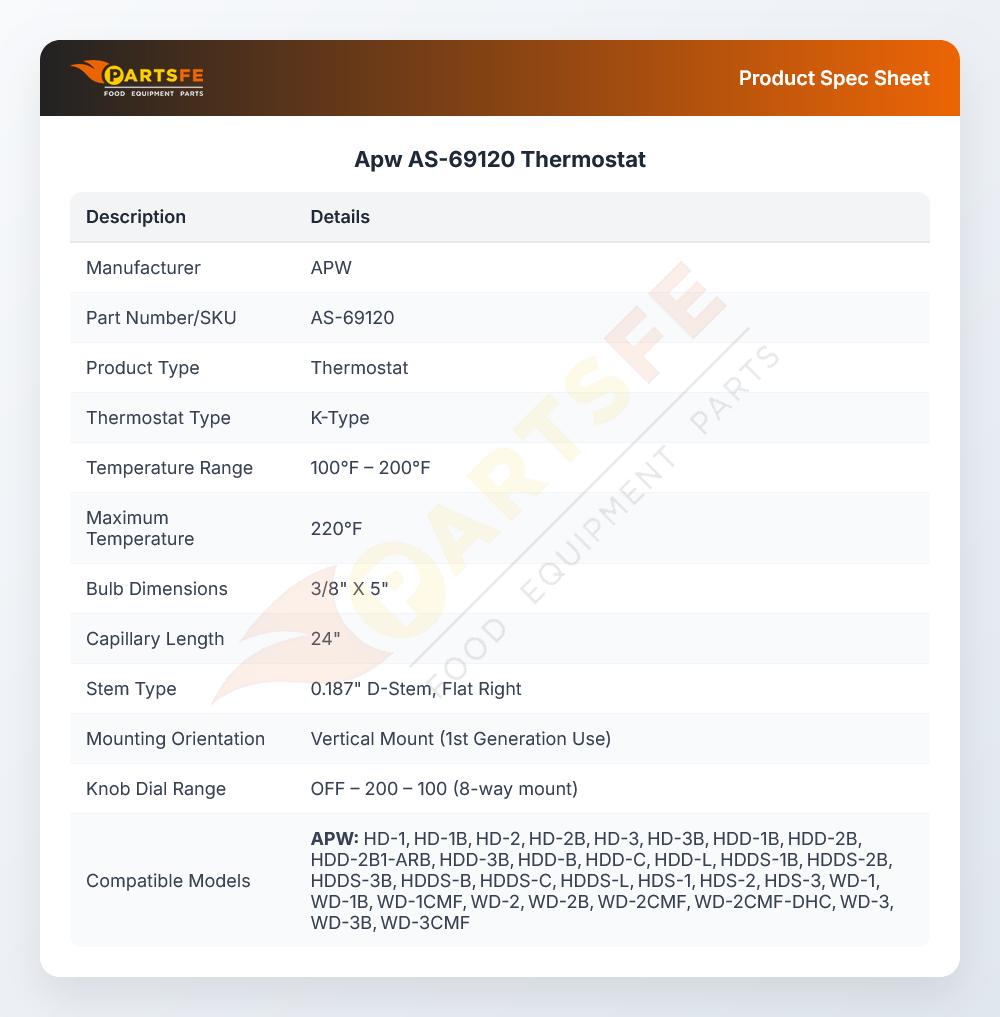
| Attribute | Details |
|---|---|
| [ Type - K ] [ Temp 100-200 ] [ Max Temp 220 ] | |
| [ Bulb 3/8" X 5" ] [ Cap 24" ] | |
| .187" D-Stem Flat Right, Vert Mount 1 | |
| Gen Use Knob, Off-200-100 ( 8 Way Mount ) # 22-1560 | |
| American Permanent Ware Food Warmer |
Description
More Information:
- APW WYOTT:69120 ,APW69120 ,AS-69120
Step1: Turn off power at breaker and check no voltage present before starting installation.
Step2: Remove existing old thermostat and label wires carefully for correct reconnection.
Step3: Mount new thermostat securely onto wall or equipment plate.
Step4: Reconnect wires according to wiring diagram and tighten terminals firmly.
Step5: Restore power, set desired temperature, and test heating or control response.
Step6: Wear gloves and avoid touching live terminals during installation.
Customer Reviews
No reviews yet. Be the first to write one!
Write a Review
-
What maintenance is required for the APW AS-69120 Thermostat?
Keep the thermostat clean and free from grease, dust, and moisture buildup. Ensure all wiring connections are secure and corrosion-free. Periodically test temperature accuracy and responsiveness. Avoid physical impact during servicing to maintain stable and proper temperature control performance.
-
What are common issues with the APW AS-69120 Thermostat?
- Inaccurate temperature readings.
- Heating system not cycling properly.
- Delayed response to temperature changes.
- Thermostat failure to activate equipment.
- Calibration drift over time.