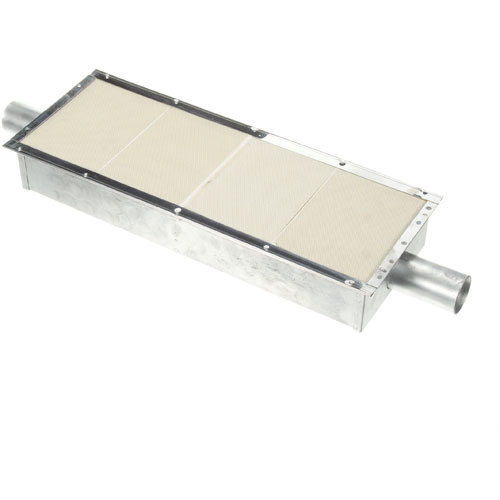

Vulcan Hart 00-922751 Oven 30" Infrared Burner 23-1/8" X 9"
Specifications:
| Attribute | Details |
|---|---|
| 23-1/8" X 9" (30" Overall) |
Description
More Information:
Step1: Turn off the oven gas before starting installation.
Step2: Remove the old infrared burner from the mounting location.
Step3: Clean the surrounding area to remove debris or grease.
Step4: Install the new burner securely in the same position.
Step5: Reconnect gas line and any electrical connections carefully.
Step6: Tighten all fittings to prevent leaks.
Step7: Restore gas and power supply.
Step8: Test the burner to ensure proper operation and flame.
Customer Reviews
No reviews yet. Be the first to write one!
Write a Review
-
What maintenance is required for the Vulcan Hart 00-922751 Infrared Burner?
Clean the oven burner regularly to remove grease and food debris that can block infrared heat. Check the burner surface for cracks or warping and ensure proper gas flow. Follow safety protocols to prevent burns or accidental ignition during maintenance.
-
What are common issues with the Vulcan Hart 00-922751 Infrared Burner?
- Uneven heating or hot spots.
- The burner fails to ignite.
- Cracked or warped infrared surface.
- Gas flow irregularities are causing flame issues.